
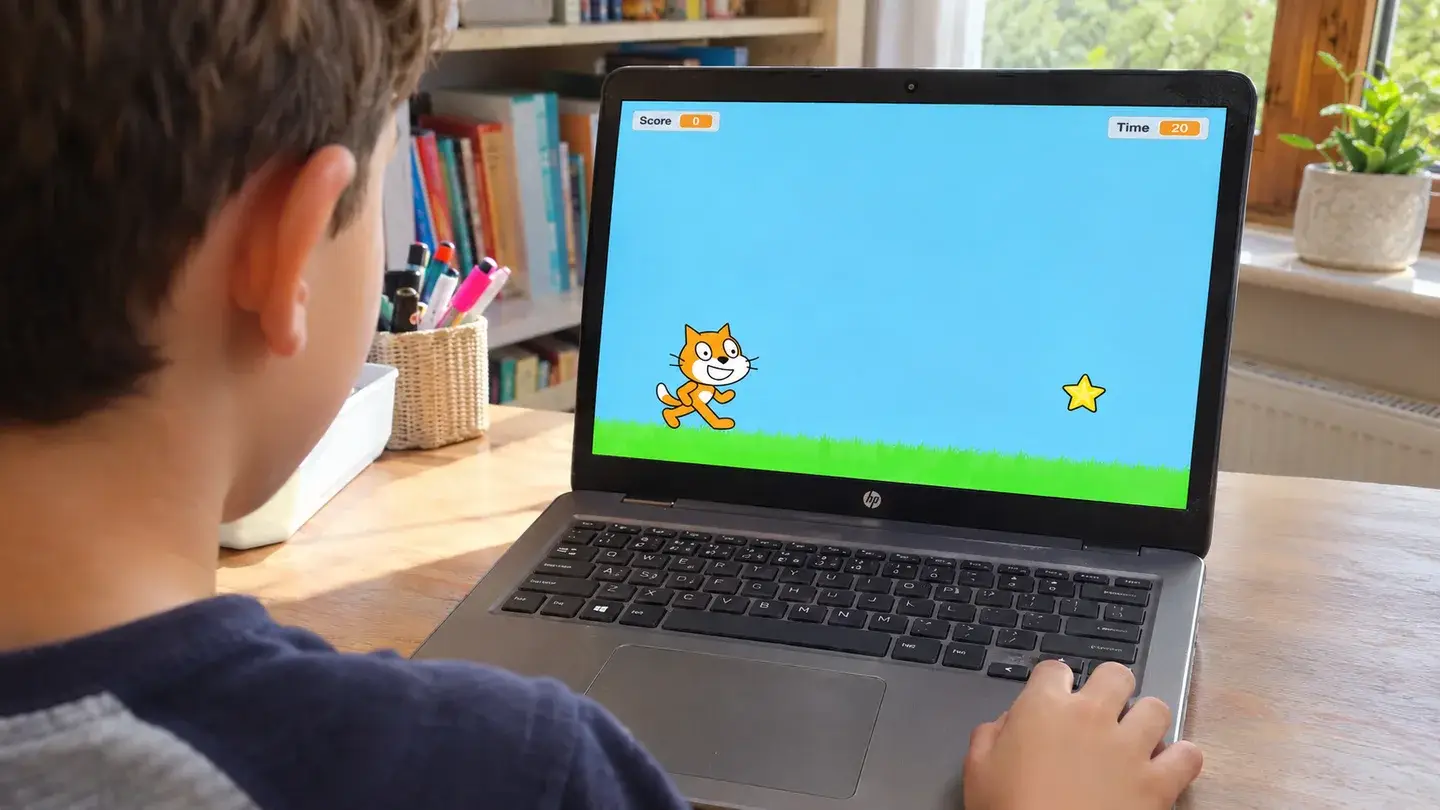
Put a cat and a star on the Scratch stage. Start a movement loop with the green flag. Inside it, check the arrow keys and change the cat’s x or y position by a few steps when a key is held. For the star, make a score variable and set it to zero when the green flag is clicked. Inside a loop, check whether the star touches the cat. If it does, add one point and move the star to a new position away from the cat. Choose “For all sprites” when creating the counters so they can be used anywhere in the project.
On the stage, create a second variable for time and set it to 20 when the green flag is clicked. Repeat a pair of steps 20 times: wait one second, then subtract one from the time. After the loop, stop all scripts so the score stays visible and the cat stops moving. Play one round while watching both counters.
Start a second round and check that the score returns to zero and the timer starts at 20 again. If the score jumps by several points on a single catch, check whether the star is still touching the cat after it moves. Once both counters behave as expected, let your child try a shorter round or add a sound for each point.
