
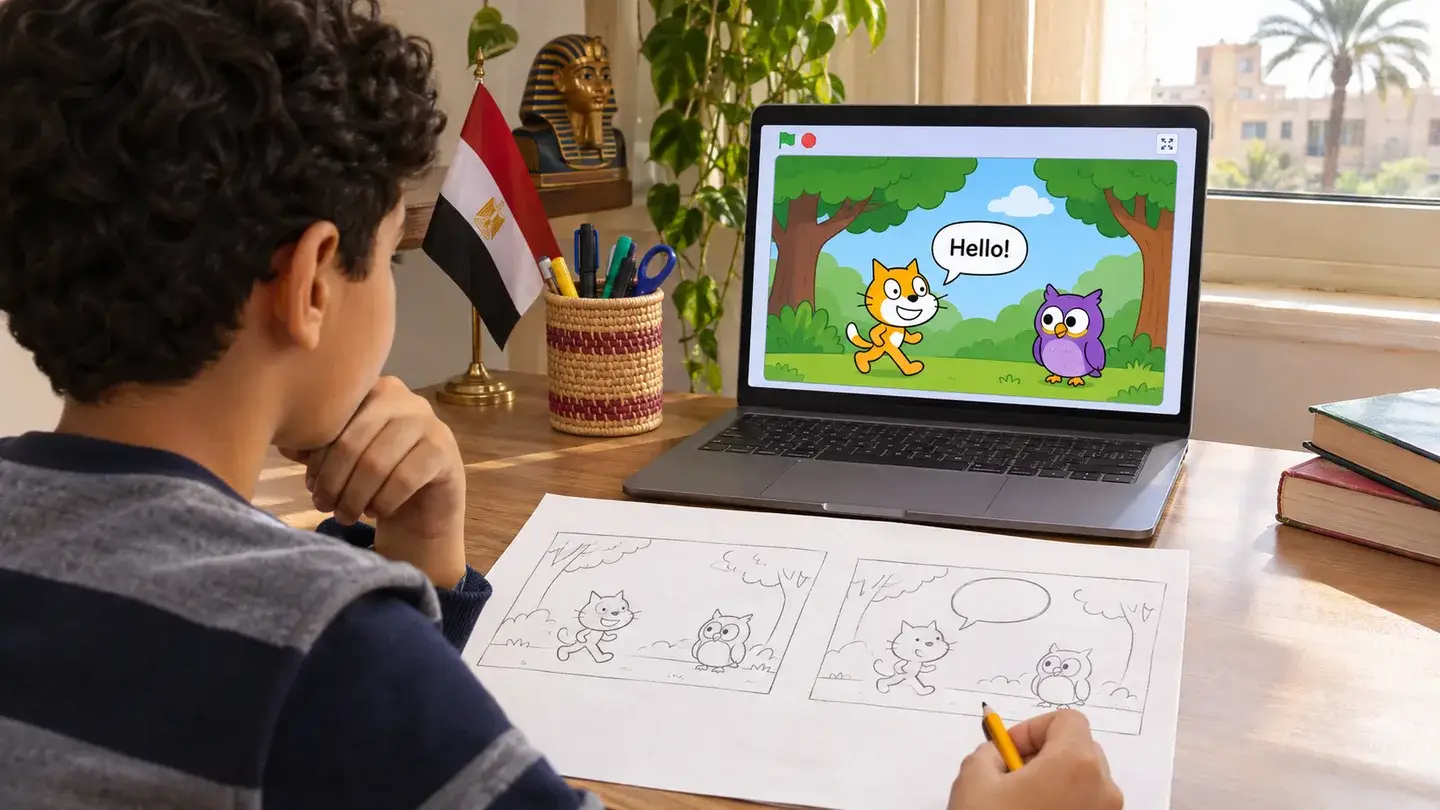
Sketch a scene with two characters and give each one a short line. A cat might ask an owl where the path leads, and the owl might point it towards a bridge. Choose a backdrop in Scratch, place the two sprites far enough apart for their speech bubbles to fit, and decide which character speaks first.
Start the cat’s script with the green flag and use a timed Say block for its line. Attach a Broadcast block directly below it and create a message called Owl’s turn. In the owl’s script, start with the block that runs when it receives that message, then add its own timed Say block. Watch the scene once to check that the owl speaks after the cat’s bubble disappears.
Play the story again and ask your child whether each line stays on screen long enough to read. If the owl never replies, compare the message selected in the two scripts. Once the exchange works, let your child write a final line for the cat and create a second message so the owl can pass the turn back.
