
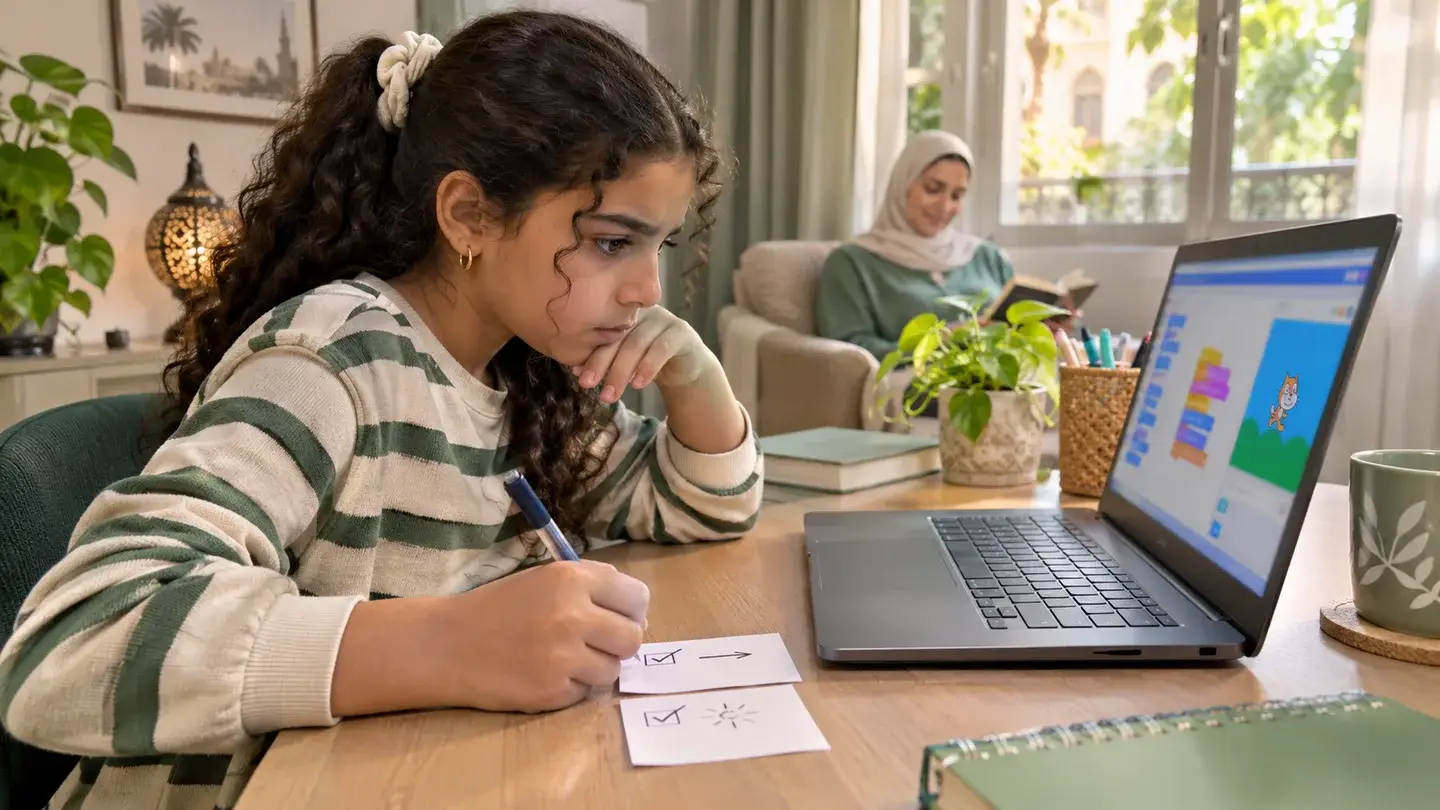
Start with one thing your child can make happen again. In a game where a cat collects stars, the cat might move left when your child presses the right arrow. Ask them to say what they expected and what happened. Click the green flag, put the cat back in the same starting spot if needed, and try the same key again. This gives you a test you can repeat after a change.
Open the cat’s script and find the block that handles the right arrow. If it changes the x position by a negative number, your child can try changing just that number to a positive one. Run the same test without changing the left-arrow code. If the cat now moves right, ask them to explain which block changed the result. If the cat still goes left, check whether another script reacts to the same key.
Try the left arrow and start a second round to see whether the rest of the game still works. Let your child write down the symptom, the change, and what they saw when they tested it. The next time a score jumps or a sprite stays still, they have a way to begin: reproduce the problem, change one thing, and test it again.
