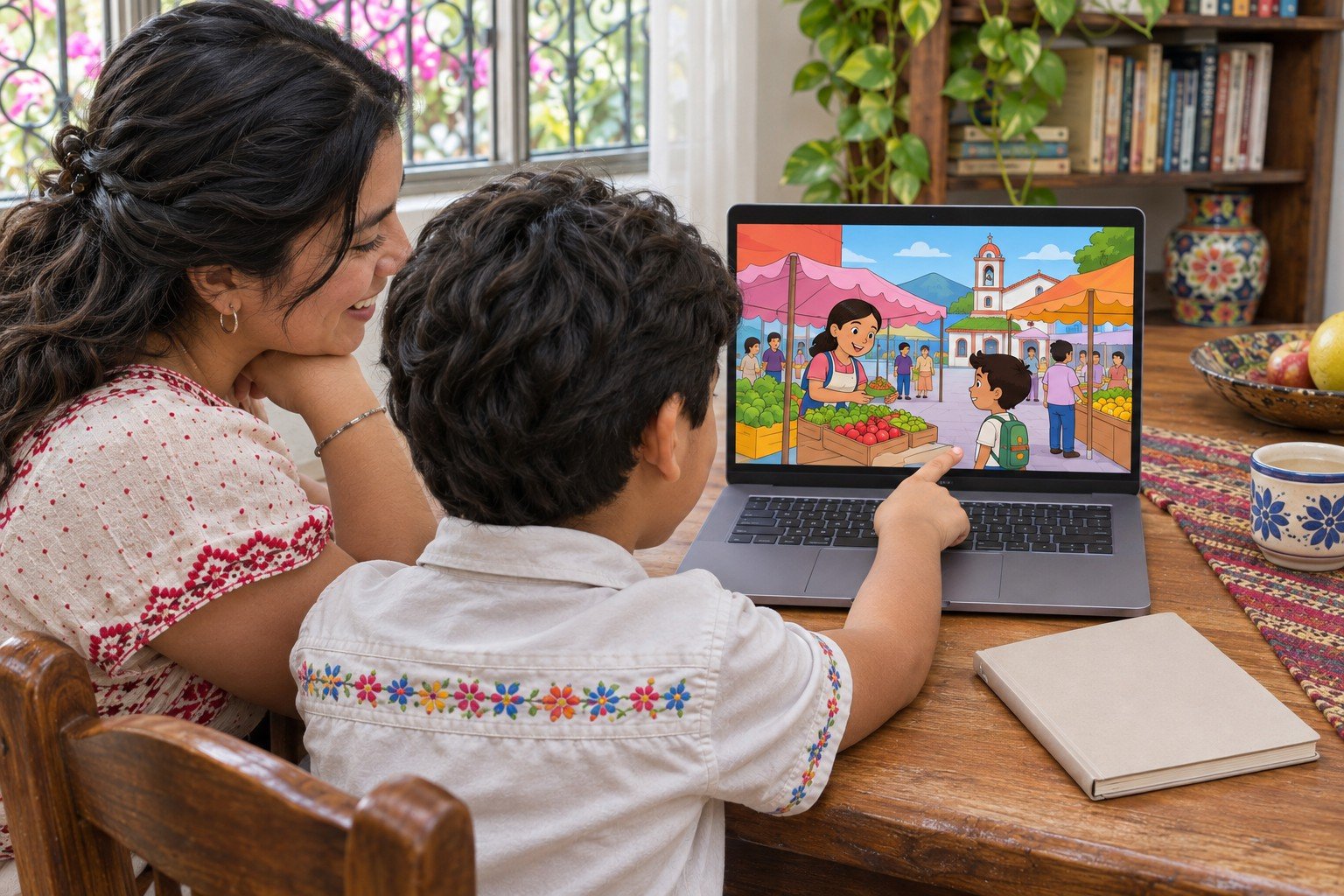
Draw a market scene your child knows in Mexico, perhaps a fruit stand beside a path. Pick one character and two choices, such as asking the price or asking where a fruit comes from. Sketch what the character says after each choice before opening Scratch.
In Scratch, add two clickable choice sprites and name a different broadcast for each one. The character responds to the first message with a price and the second with a place or a short description. Start the project with the green flag and set the scene so both choices are available each time.
Have someone else click both choices without your help. Ask which response matched their expectations and which button needed a clearer label. If the responses change places, check that each button sends the right message. Your child can add a second stall after both choices work.